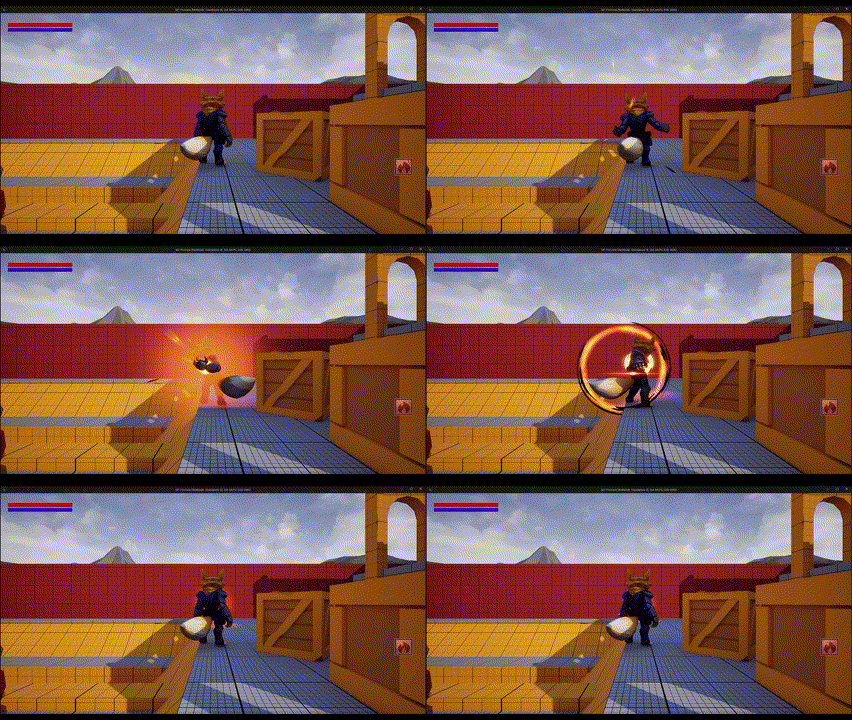
Bind UI to attributes Link to heading
You can bind events in your UI to player’s atttributes to update widgets like progress bars or text or input buttons based on player’s abilities. To make that possible you need to add your UI to the screen and pass the ability system component and/or the attribute set (depending on what you want to do).
void AMTCharacter::OnRep_PlayerState()
{
	Super::OnRep_PlayerState();

	if(AMTPlayerState* MTPlayerState = Cast<AMTPlayerState>(GetPlayerState()))
	{
		if(MTPlayerState->AbilitySystemComponent)
		{
			MTPlayerState->AbilitySystemComponent->InitAbilityActorInfo(MTPlayerState, this);
			AbilitySystemComponent = MTPlayerState->AbilitySystemComponent;
			AttributeSet = MTPlayerState->AttributeSet;
			if(IsLocallyControlled())
				CreateHUD();
		}
	}
}
void AMTCharacter::CreateHUD()
{
	if(HUDClass)
	{
		if(AMTPlayerState* MTPlayerState = Cast<AMTPlayerState>(GetPlayerState()))
		{
			HUD = CreateWidget<UMTGameHUD>(GetWorld(), HUDClass, TEXT("HUD"));
			if(HUD)
			{
				HUD->AddToPlayerScreen(0);
				if(UMTAttributeSet* MTAttributeSet = Cast<UMTAttributeSet>(MTPlayerState->AttributeSet))
					HUD->InitHUD(MTAttributeSet);
			}
		}
	}
}
You can now bind the functions to update the HUD widgets everytime one of the attributes changes using GetGameplayAttributeValueChangeDelegate. That functions is included in the Ability System Component and only needs the attribute from your attribute set and the function to be called.
void UMTGameHUD::InitHUD(UMTAttributeSet* NewAttributeSet)
{
	AttributeSet = NewAttributeSet;

	APlayerController* Controller = GEngine->GetFirstLocalPlayerController(GetWorld());
	if(AMTCharacter* Character = Cast<AMTCharacter>(Controller->GetPawn()))
	{
		OwnerCharacter = Character;

		if(Character->AbilitySystemComponent)
		{
			Character->AbilitySystemComponent->GetGameplayAttributeValueChangeDelegate(AttributeSet->GetHealthAttribute()).AddUObject(this, &UMTGameHUD::UpdateHealthBar);
			Character->AbilitySystemComponent->GetGameplayAttributeValueChangeDelegate(AttributeSet->GetManaAttribute()).AddUObject(this, &UMTGameHUD::UpdateManaBar);
		}
	}

}
void UMTGameHUD::UpdateManaBar(const FOnAttributeChangeData& Data)
{
	if(ManaBar)
	{
		float ManaPercent = AttributeSet->GetMana() / AttributeSet->GetMaxMana();
		ManaBar->SetPercent(ManaPercent);
	}
}
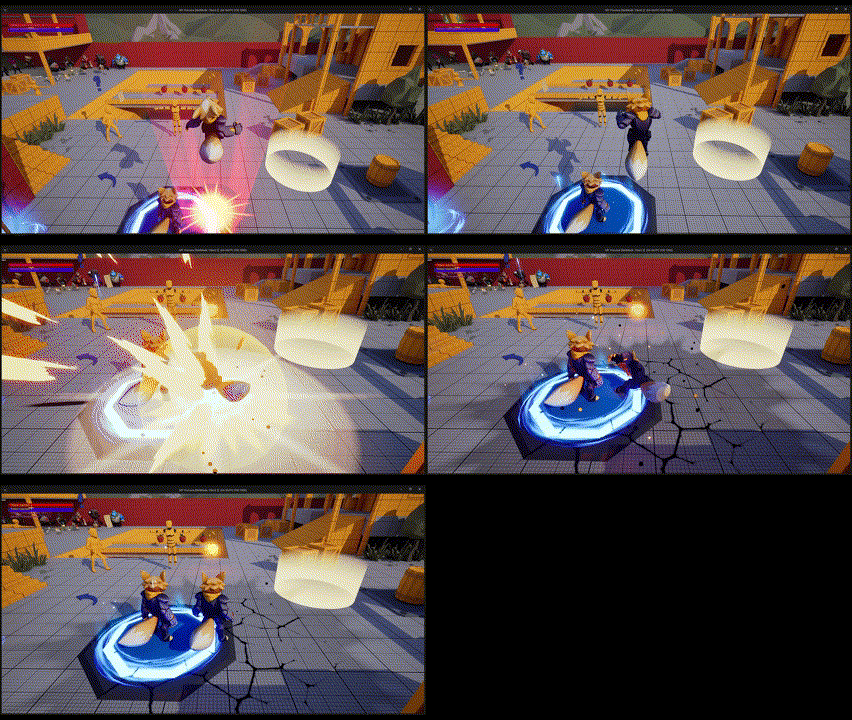
Remember you can bind your widgets directly to your c++ variables naming the widget and the variable the same way and adding meta = (BindWidget) in UPROPERTY.
UCLASS()
class MT_API UMTGameHUD : public UUserWidget
{
	GENERATED_BODY()

public:
	UPROPERTY(BlueprintReadOnly, meta = (BindWidget))
	UProgressBar* HealthBar;

Abilities activation in HUD Link to heading
If you want to create games where players can activate abilities pressing buttons in the UI (mobile games for example) you can bind the events to your abilities.
First of all you have to bind your attack function to OnClickedEvent and set the input mode and mouse visibility based on your game requierements.
	APlayerController* Controller = GEngine->GetFirstLocalPlayerController(GetWorld());
	if(AMTCharacter* Character = Cast<AMTCharacter>(Controller->GetPawn()))
	{
		OwnerCharacter = Character;
		SimpleAttackButton->SetVisibility(ESlateVisibility::Visible);
		SimpleAttackButton->OnClicked.AddDynamic(this, &UMTGameHUD::ActivateSimpleAttack);
		Controller->SetInputMode(FInputModeGameAndUI()); //FInputModeUIOnly() if you want to use UI only
		Controller->bShowMouseCursor = true; //Depending of your target platform
	}
In your ability activation function you can call the corresponding ability function like we did before.
void UMTGameHUD::ActivateSimpleAttack()
{
	OwnerCharacter->SimpleAttack();
}
void AMTCharacter::SimpleAttack()
{
	FGameplayTagContainer TagContainer;
	TagContainer.AddTag(FGameplayTag::RequestGameplayTag(FName("Abilities.SimpleAttack")));
	if(AbilitySystemComponent)
	{
		if(!HasAuthority())
		{
			FPredictionKey PredictionKey = FPredictionKey::CreateNewPredictionKey(AbilitySystemComponent);
			Server_SimpleAttack(TagContainer, PredictionKey);
		}
		else
			AbilitySystemComponent->TryActivateAbilitiesByTag(TagContainer);
	}
}